Trip Logging
Trip History
Bike Controls
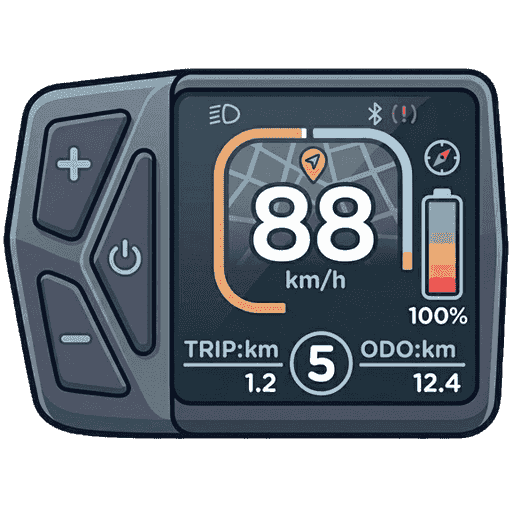
Connect your bike display to use controls.
Device: --
Model: --
Version: --
Initializing display...
Settings
Routes calculated via OSRM & OpenStreetMap (free, no API key)
Precision uses high accuracy GPS. Battery Saver extends ride time.
ETA Display
Background Mode
No regions downloaded yet.
Starting...
0%
5 km
Announce distance and speed every N kilometers
None
Model: --
Version: --
Battery: --
EKDNav v0.1.0
Clears all data, trips, and settings. Page will reload.